
The AI Photo Editing Revolution: What Actually Works in 2026
The way we edit photos has fundamentally changed. What once required years of Photoshop expertise and expensive software can now be accomplished in seconds — right from your phone. But with dozens of AI photo apps flooding the market, which ones actually deliver on their promises?
I spent the last month testing the most popular AI photo editing tools, diving into Reddit discussions, and talking to photographers about what they actually need. Here's what I found.
The Problem Everyone's Talking About
Scroll through any photography subreddit and you'll notice a pattern. Users on r/iphone are "incredibly disappointed" with the App Store's photo editing options. One user put it bluntly: "It's pretty much the same apps that have been there for ten years already — and even the ones that were good at one point have incorporated crappy AI features and a subscription model for simple effects."
The frustration is real. People want three things:
- Simplicity — No learning curve, just results
- Quality — AI that actually works, not gimmicks
- Fair pricing — Not $7/week subscriptions for occasional use
Over on r/graphic_design, a user complained about Remini's pricing: "$0.35/photo for enhancements? That's not an acceptable plan." They eventually found an alternative and estimated they got "90% of what Remini provided, but at $0/month instead of $28/month."
What AI Photo Editing Can Actually Do in 2026
Let's be clear about what's genuinely impressive now — and what's still marketing hype.
Object Removal: The Killer Feature
This is where AI truly shines. Removing photobombers, erasing ex-partners from old vacation shots, or cleaning up distracting elements in the background — these tasks that once required careful clone-stamping can now happen with a single tap.
A user on r/GalaxyFold shared their experience: "Recently started using the object removal tools and it's been downright impressive. I was against editing photos this heavily… [but the results speak for themselves]." That post received 216 upvotes — clearly, this resonates.
Apple introduced Clean Up with iOS 18, but as several Reddit users note, it's somewhat limited. Third-party apps like AIPGEN and PhotoDirector often handle complex removals better, especially when dealing with multiple objects or tricky backgrounds.
Photo Enhancement & Restoration
Sharpening blurry photos, upscaling low-resolution images, and restoring damaged old photographs — this category has exploded. Remini popularized the concept, but alternatives have caught up and often surpassed it.
The technology works by analyzing patterns the AI learned from millions of images. When you upload a blurry face, it doesn't just sharpen pixels — it actually reconstructs what the face likely looked like based on its training.
Background Removal
Once a 20-minute Photoshop task, background removal is now a one-second operation. Most AI tools handle clean edges around hair and complex shapes surprisingly well. This feature alone has transformed how people create content for e-commerce and social media.
The Apps I Tested: An Honest Comparison
I evaluated each app on real-world tasks — removing people from crowded photos, restoring a 1970s family photo, and cleaning up product images. Here's how they performed:
Remini — The Popular Choice
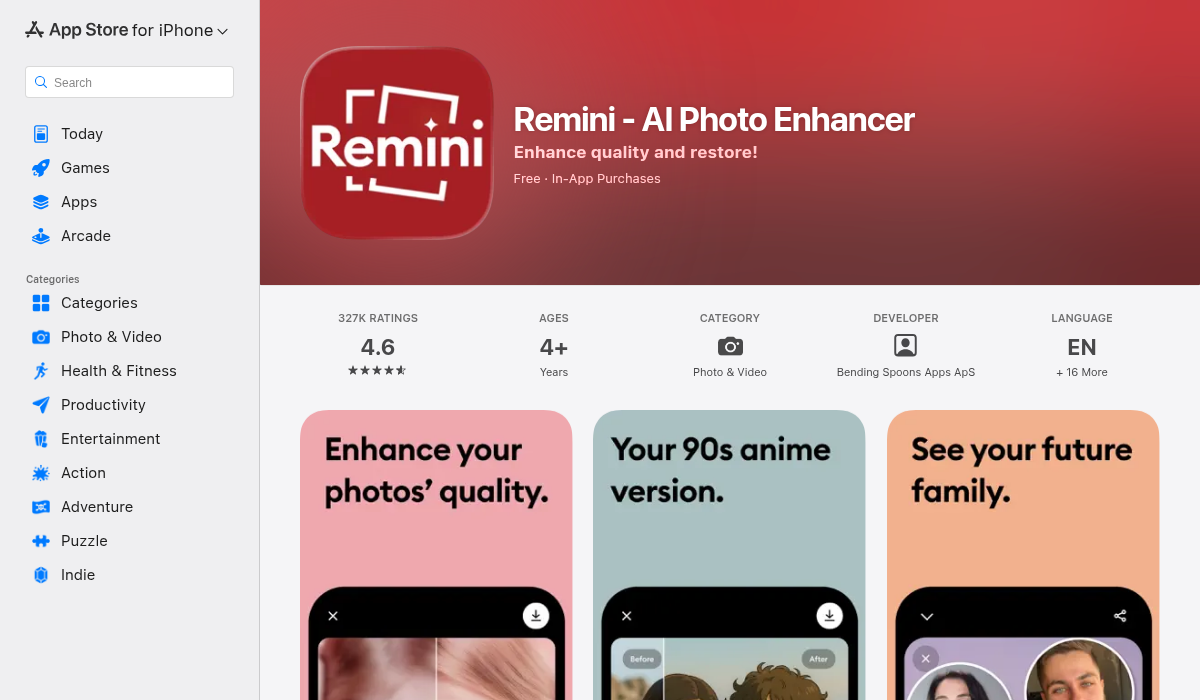
Best for: Face enhancement and restoration
Remini has become synonymous with AI photo enhancement for good reason — their face restoration is genuinely impressive. The app excels at bringing old, blurry portraits back to life.
The catch: It's expensive ($7/week or ~$70/year) and recent reviews mention inconsistent quality. Object removal isn't their strength — this is primarily a face-focused tool.
AIPGEN — The Object Removal Specialist
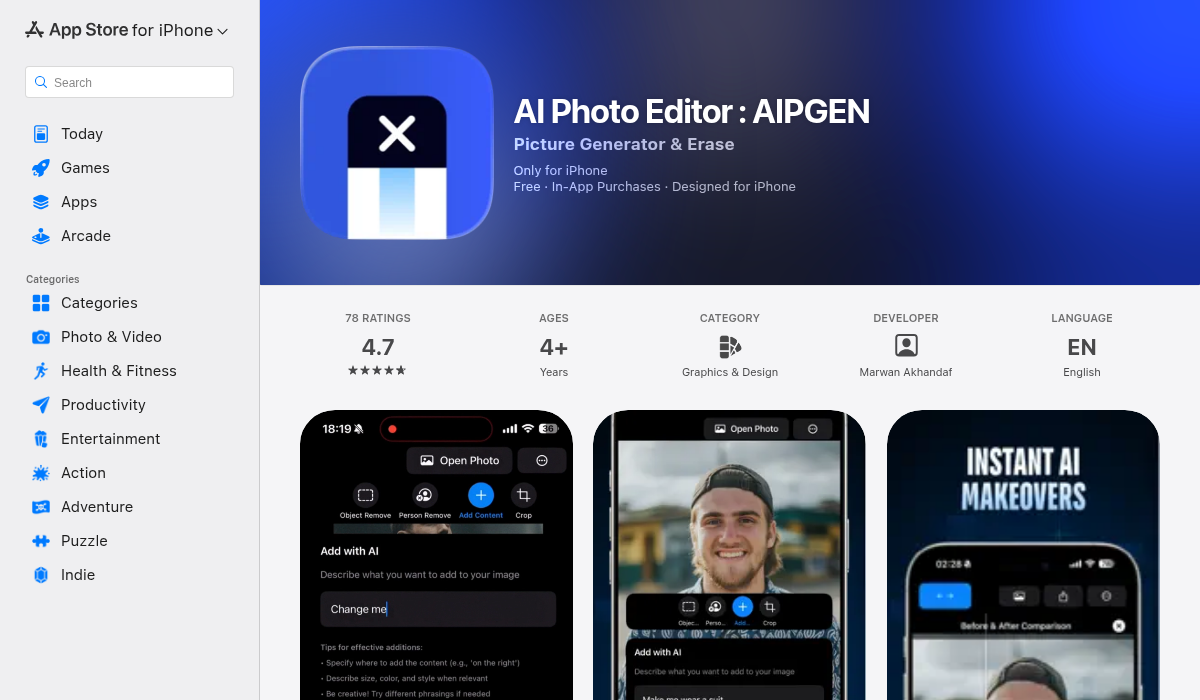
Best for: Quick, high-quality object and person removal
AIPGEN focuses specifically on what most people actually need — removing unwanted elements from photos. The interface is dead simple: paint over what you want gone, tap process, done.
What surprised me was the restoration feature. Uploading a scratched, faded photo from my grandmother's collection, the AI repaired damage I'd assumed was permanent. It also handles text removal (useful for repurposing images with watermarks or unwanted captions) cleanly.
The pricing model is straightforward — you get a free edit to test it, then choose a plan that fits your usage. No predatory $7/week "trials" that auto-renew.
PhotoDirector — The All-Rounder
Best for: Users who want a complete editing suite
CyberLink's PhotoDirector offers AI object removal, background erasing, and general editing tools in one package. It's more feature-rich than most alternatives but can feel overwhelming if you just want quick edits.
Apple Clean Up (iOS 18+)
Best for: Quick fixes already on your phone
If you have an iPhone 15 Pro or newer, Clean Up is built right into the Photos app. It's convenient and handles simple removals well. However, Reddit users note it struggles with complex backgrounds and larger objects. Think of it as a good first option — if it doesn't work, you'll need a dedicated app.
Canva — The Design Tool with AI Extras
Best for: Content creators already using Canva
Canva's AI tools are surprisingly capable for a design platform. Their background remover and Magic Eraser work well for social media graphics. However, for serious photo restoration or detailed object removal, dedicated apps perform better.
What Reddit Users Actually Recommend
I tracked discussions across r/photography, r/iphone, r/StableDiffusion, and r/graphic_design. Some patterns emerged:
- For desktop power users: Photoshop remains king, but the learning curve is steep. Krita with AI plugins was mentioned multiple times as a free alternative.
- For mobile simplicity: Third-party apps consistently beat Apple's built-in tools for complex edits.
- For face restoration specifically: Remini gets the most mentions, though users complain about pricing.
- For object removal: No single app dominates — quality varies based on the specific image.
One r/StableDiffusion commenter captured the current state well: "Open-source models like BrushNet and Big LaMa can be hit-or-miss because they rely heavily on the dataset they were trained on, making results inconsistent."
This is exactly why app-based solutions still matter — they've trained their models extensively and optimized for specific use cases.
Tips for Getting Better Results
Regardless of which app you choose, these principles improve your results:
- Start with the best source image possible. AI can only work with what you give it.
- For object removal, slightly overlap the edges. This gives the AI context about surrounding textures.
- Simple backgrounds are easier. Removing someone from a beach is simpler than from a crowded street.
- Try multiple apps. Different AI models have different strengths — what fails in one might succeed in another.
- Work in stages. For complex edits, remove one element at a time rather than everything at once.
Where AI Photo Editing Is Headed
The technology is improving rapidly. Features that seemed impossible two years ago — like maintaining lighting consistency after removing an object — are now standard. Video editing with similar capabilities is the next frontier, with several apps already offering frame-by-frame processing.
The subscription fatigue is real, though. The market will likely shift toward more reasonable pricing as competition increases. Apps that offer genuine value without predatory monetization will win long-term.
My Recommendation
There's no single "best" AI photo editor — it depends on your specific needs:
- Need to restore old family photos? Remini is still the benchmark for face reconstruction, despite the pricing.
- Want to remove objects and people quickly? AIPGEN handles this exceptionally well with a clean, focused interface.
- Looking for an all-in-one solution? PhotoDirector or Canva offer broader toolsets.
- On a tight budget? Start with Apple's Clean Up feature, then explore free tiers of dedicated apps.
The good news? Most apps offer free trials or free edits. Test them with your own photos — your results may vary based on your specific use cases.
Have you tried any of these apps? Share your experience in the comments below.
