
Best AI Photo Editors for Depop and Poshmark Sellers in 2026
Your listing photos are the difference between a quick sale and an item collecting dust in your closet for months. If you're selling on Depop or Poshmark, you already know this — but are your photos actually working as hard as they could be?
We've tested dozens of photo editing apps specifically for reselling, comparing them on what actually matters: removing distracting backgrounds, erasing that one stain you couldn't get out, cleaning up wrinkled fabric, and making your items look boutique-worthy without spending hours editing each listing. Here's what we found works best in 2026.
Why Photo Quality Matters More Than Ever on Depop and Poshmark
Both platforms have become increasingly competitive. Depop has over 35 million users, and Poshmark boasts 80+ million registered accounts. When buyers scroll through hundreds of similar items, your photos have about 1-2 seconds to grab attention.
The difference between a $5 sale and a $50 sale often comes down to presentation. Clean backgrounds, clear details, and professional-looking images signal quality — even for secondhand items. But here's the problem: not everyone has a photography studio in their apartment.
"I was using PhotoRoom but they just changed their logo to be all over the image... looking for different options."— Reddit user in r/Depop
This is a common frustration. Free apps either add watermarks, limit features, or require subscriptions that eat into already-thin reselling margins. And while background removal is great, what about removing that small stain, fixing a wrinkle you forgot to steam out, or erasing the distracting lamp in the corner of your photo?
What Resellers Actually Need From Photo Editors
Based on countless Reddit threads and reseller forums, here are the top editing needs for Depop and Poshmark sellers:
- Background Removal/Replacement — Clean, consistent backgrounds increase perceived value
- Object Removal — Erase stray threads, small stains, distracting items in frame
- Wrinkle Smoothing — Not everyone steams every item before photographing
- Color Correction — Make items look accurate to their real-life appearance
- Square Cropping — Both platforms use square images, so proper framing matters
- No Watermarks — Watermarks scream "amateur" and hurt trust
Most apps excel at one or two of these but fall short elsewhere. Let's look at what's actually worth your time.
Best Photo Editors for Resellers Compared
1. PhotoRoom — The Background Removal Specialist
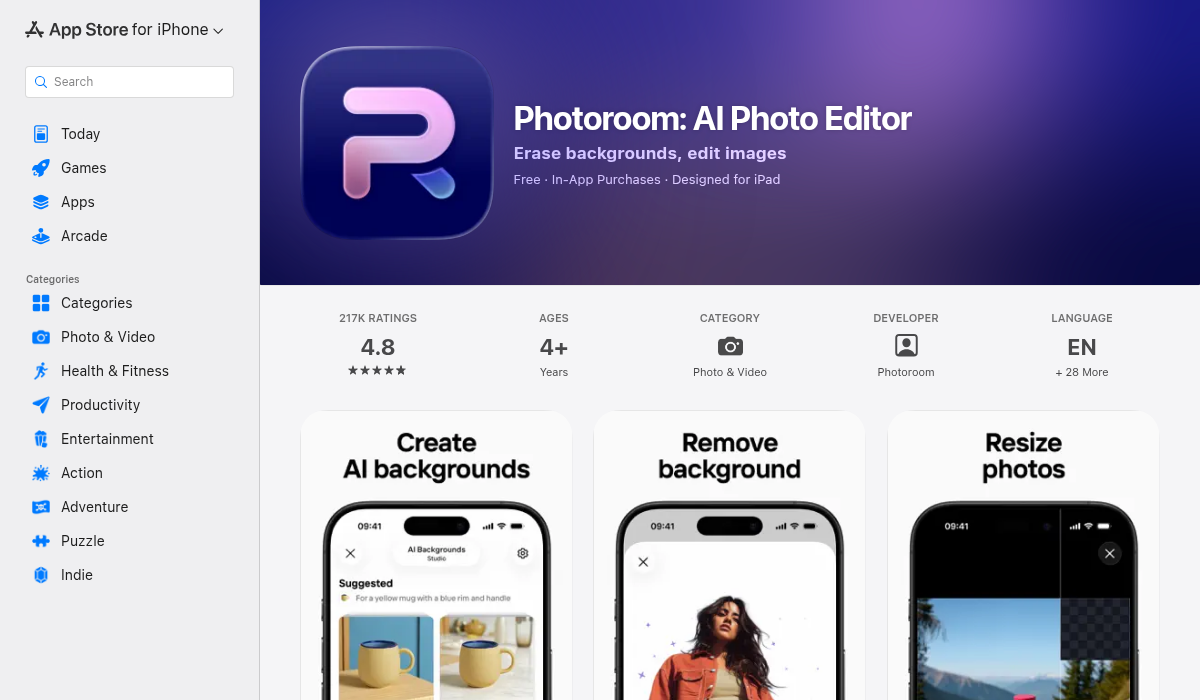
PhotoRoom has become synonymous with reselling photography. Its AI background removal is genuinely impressive — you snap a photo, and within seconds you have a clean white or colored background. The automatic cutout works surprisingly well on clothing, even with complex edges like lace or fringe.
Pros:
- ✅ Industry-leading background removal
- ✅ Tons of templates designed for resellers
- ✅ Batch editing for multiple listings
- ✅ Instant results with AI automation
Cons:
- ❌ Free version adds a watermark
- ❌ Pro subscription required for full features ($9.50/month)
- ❌ Limited object removal capabilities
- ❌ Can't fix stains or wrinkles within the item itself
PhotoRoom is excellent for what it does, but it's primarily a background tool. If your item itself needs cleanup — a stray thread, a small mark, or that shadow that looks like a stain — you'll need something else.
2. TouchRetouch — The Classic Object Remover
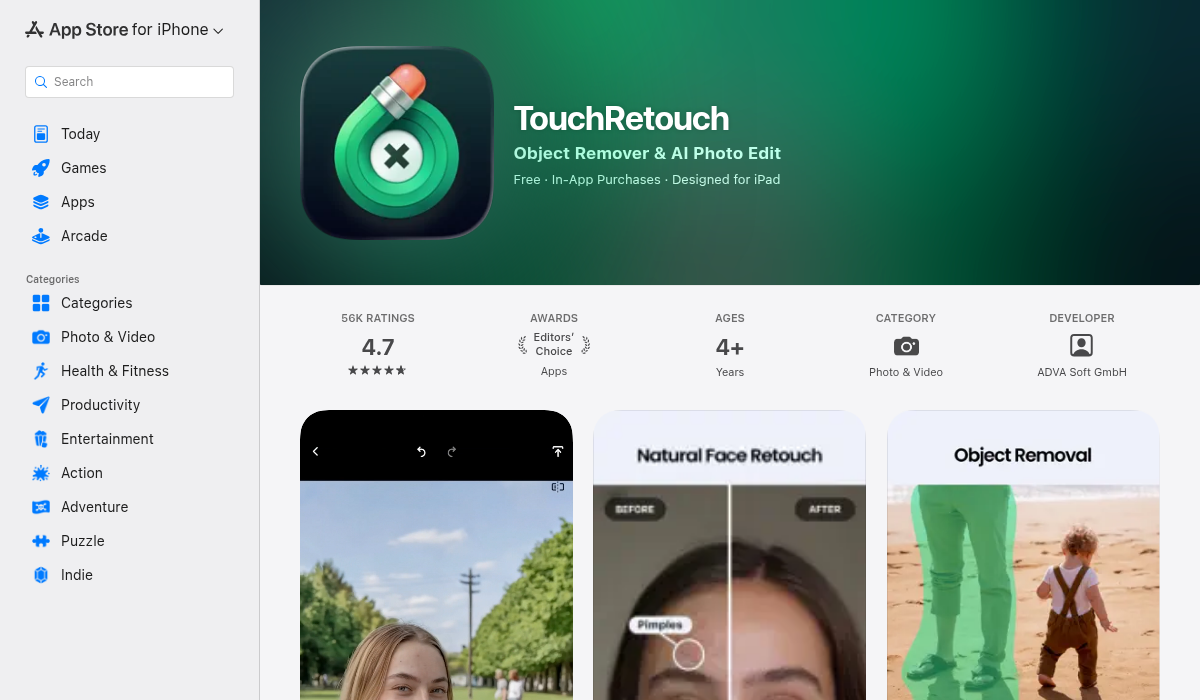
TouchRetouch has been around for years and specializes in removing unwanted objects from photos. It works well for erasing power lines, blemishes, and distracting elements. Many resellers use it to clean up small imperfections on their items.
Pros:
- ✅ Precise object removal with brush tools
- ✅ One-time purchase ($4.99, no subscription)
- ✅ Line removal tool great for wires/strings
- ✅ Works well on simple edits
Cons:
- ❌ Dated interface that hasn't modernized
- ❌ No background removal capabilities
- ❌ Struggles with complex textures like fabric patterns
- ❌ No AI templates or batch features
TouchRetouch is a solid tool for specific tasks, but it's showing its age. The app hasn't kept up with AI advancements, and you'll likely need to pair it with another app for complete listing photos.
3. Snapseed — The Free All-Rounder
Google's Snapseed remains popular because it's completely free with no watermarks. It offers solid basic editing: exposure, contrast, color tuning, and a healing brush for small fixes. Many resellers use it as their baseline editor.
Pros:
- ✅ 100% free with no watermarks
- ✅ Professional-grade manual controls
- ✅ Healing brush for small blemishes
- ✅ Selective adjustments for precise editing
Cons:
- ❌ No AI features — everything is manual
- ❌ No background removal
- ❌ Steeper learning curve than AI tools
- ❌ Time-consuming for multiple listings
If you have time and want full control, Snapseed works. But when you're listing 10+ items daily, manual editing becomes a bottleneck.
4. AIPGEN — The All-in-One AI Editor
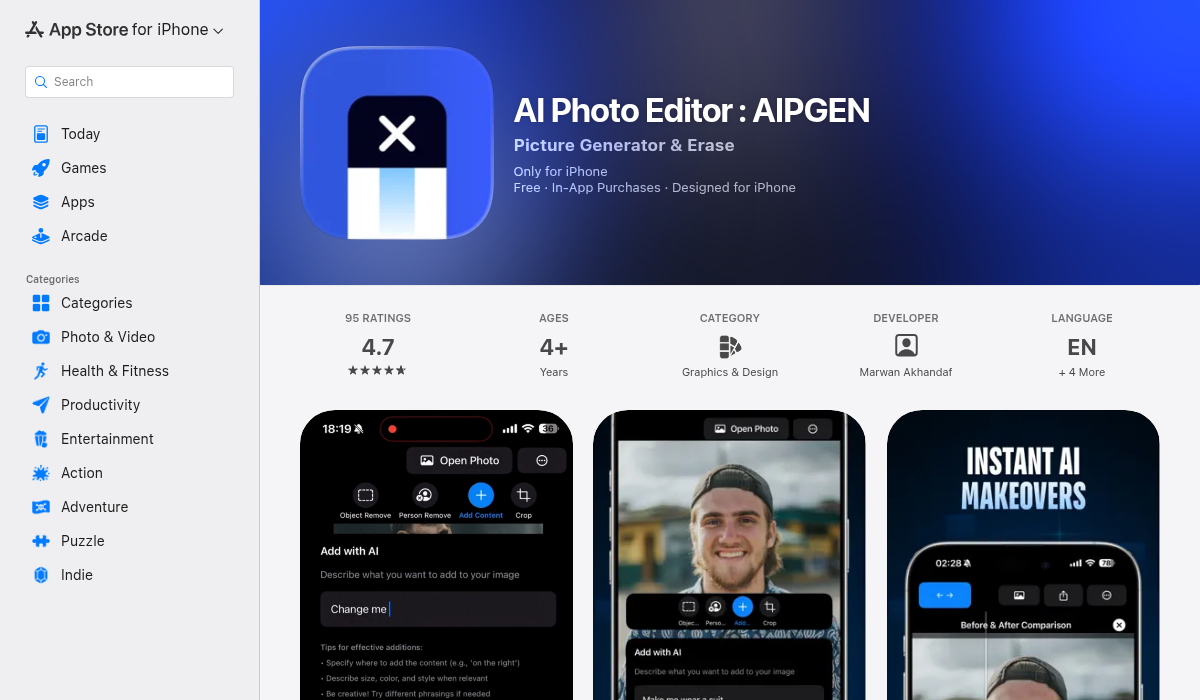
AIPGEN takes a different approach by combining object removal, background editing, photo restoration, and 60+ AI templates in one app. For resellers, the standout feature is its ability to handle complete photo cleanup — not just backgrounds, but stains, wrinkles, distracting objects, and even old photo restoration.
Pros:
- ✅ AI object removal that handles complex textures
- ✅ Person removal (great for getting your reflection out of mirror shots)
- ✅ 60+ one-tap AI templates for quick edits
- ✅ Before/after slider to verify edits
- ✅ Works on iOS and Android
- ✅ Free trial edit to test quality
Cons:
- ❌ Subscription required for unlimited edits
- ❌ Newer app, smaller user base than established tools
What makes AIPGEN particularly useful for reselling is the versatility. You can remove that stray thread from a sweater, erase the tag you forgot to tuck in, clean up wrinkles you didn't steam out, AND handle background work — all in one app. The 60+ AI templates also mean you can apply consistent editing styles across your entire closet for a cohesive look.
Pro Tips for Reseller Photography
No matter which editing app you choose, these fundamentals will improve your listing photos:
1. Start With Good Source Photos
Editing can fix a lot, but it can't save a blurry, dark photo. Shoot near a window during the day, use a plain wall or sheet as background, and make sure your item is in focus. Even iPhone photos work great in good lighting.
2. Steam or Iron Before Shooting — When Possible
Yes, AI can reduce wrinkles, but heavily wrinkled items still look less appealing. A quick steam before photographing saves editing time and looks more professional. That said, we know this isn't always realistic when you're photographing 20 items in a session — that's where AI editors help.
3. Include Defect Photos
Don't edit out actual flaws like stains or damage that buyers should know about. Disclose defects clearly with dedicated photos. Use editing to enhance presentation, not deceive — it'll save you returns and negative reviews.
4. Maintain a Consistent Aesthetic
Closets that use consistent backgrounds, lighting, and editing styles look more professional and trustworthy. If you use white backgrounds, stick with white. If you prefer styled flat-lays, keep that consistent. Apps with templates or batch editing make this much easier.
5. Optimize for Square Crop
Both Depop and Poshmark display square thumbnails. Shoot with this in mind, or use an editor to crop properly without cutting off important details of your item.
Which App Should You Choose?
There's no single "best" answer — it depends on your priorities:
- Best for background removal only: PhotoRoom (if you don't mind the subscription)
- Best free option with no watermarks: Snapseed (manual, but capable)
- Best for object/stain removal: AIPGEN or TouchRetouch
- Best all-in-one solution: AIPGEN (combines multiple editing needs)
Many sellers end up using 2-3 apps: one for background removal, one for retouching, one for final adjustments. If you want to simplify your workflow, look for apps that combine these features so you're not constantly switching between tools.
The Bottom Line
Great listing photos don't require expensive cameras or professional editing software. With the right AI tools, you can turn average smartphone photos into scroll-stopping listings in minutes.
The key is finding an app that handles YOUR specific pain points. If you mostly need background removal, PhotoRoom works. If you need to clean up items themselves — removing stains, threads, wrinkles, or distracting elements — AIPGEN offers more complete editing with its 60+ AI templates and object removal tools.
Whatever you choose, invest some time learning your tools. The hour you spend mastering your photo editor will pay off across hundreds of future listings. Your closet — and your sales — will thank you.